In a nutshell
- 🔌 Cut the standby drain: TVs, games consoles, smart speakers and microwave clocks sip power when “off”; switch off at the mains, disable “instant-on”, and use eco modes to stop the phantom load.
- 🌡️ Bust the thermostat myth: Turning it up doesn’t heat faster — set 19–21°C, tune boiler flow temperature, use steady set points on heat pumps, and apply small setback schedules to save energy.
- 📊 Real-world audit: A Leeds semi cut its “always‑on” baseline from 120–140W to 85–95W, saving an estimated £26–£42/year; a simple plug-in meter reveals where your kWh go.
- ⚙️ Smart plugs and timers — Pros vs. Cons: gain automation and per-device visibility, but avoid fridges/medical gear, watch update interruptions, and remember plugs draw ~0.5–1W themselves.
- 💷 Big picture: Trimming standby and better heating habits delivers painless savings that complement insulation and draught-proofing — small tweaks, consistent results.
Across Britain’s living rooms and kitchens, a surprisingly simple habit is quietly burning through household budgets. Energy specialists call it the “standby drain” — the trickle of electricity consumed by devices that look “off” but are still alive. Because it’s invisible and incremental, this loss rarely attracts attention until a bill lands. Yet the sums add up over a year, especially with volatile tariffs. Drawing on recent audits, consumer advice from the Energy Saving Trust, and first-hand reporting, this article explores how phantom load works, why a related thermostat myth remains costly, and what evidence-based fixes deliver savings without sacrificing comfort. The message from experts is blunt: small changes, done consistently, can claw back real money.
What Experts Mean by the “Standby Drain”
The “standby drain” refers to power that flows into electronics even when we’re not actively using them. Think televisions with instant-on features, games consoles left in rest mode for rapid updates, smart speakers listening for a wake word, and microwave clocks glowing day and night. Individually, each sip of power seems trivial. Collectively, these sips can equal a surprising gulp — tens of pounds per year in a typical UK home. The drain is often marketed as convenience: faster boot times, background downloads, or network readiness. The trade-off is rarely shown on the price tag.
Energy advisers recommend a practical rule of thumb: if a device has an external light, feels warm to the touch when “off”, or promises instant responses, it likely draws power in standby. Routers and set-top boxes complicate matters because their “always-on” role supports connectivity, but even they can be optimised with schedules or low-power settings. Phantom load is not new — what’s new is the number of networked devices in modern homes. The result is a background baseline that rises silently each time we add a smart gadget.
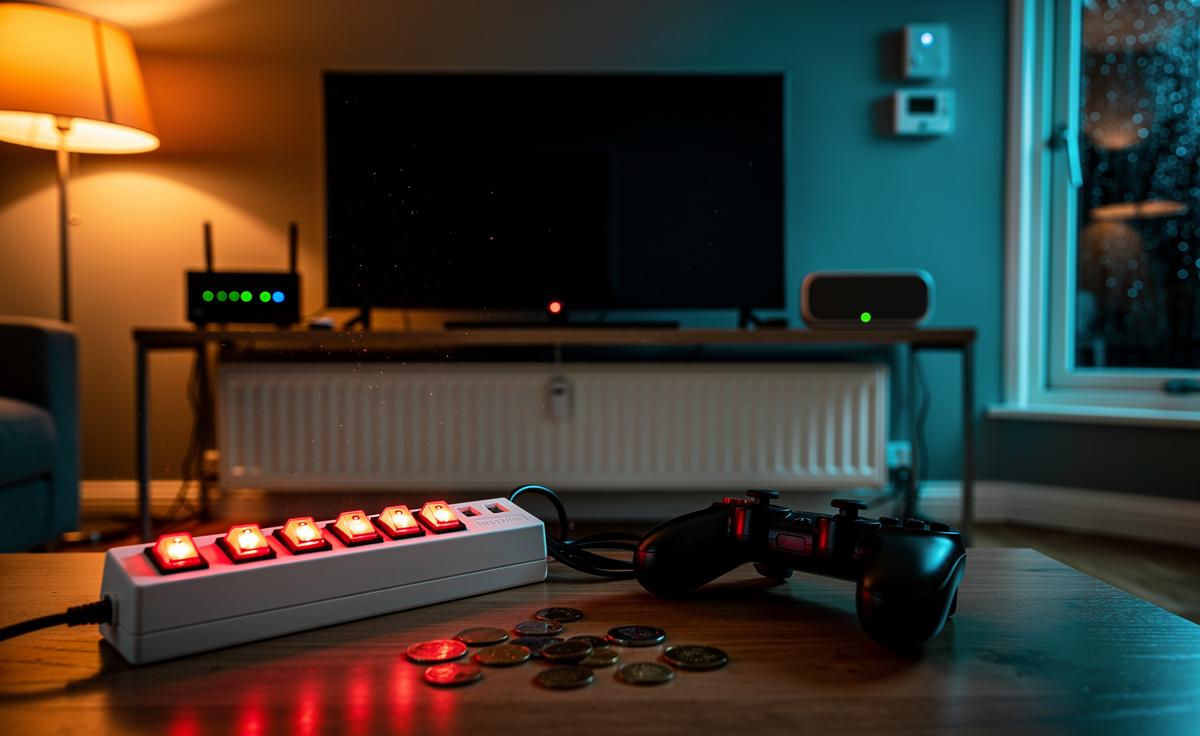
What should you do? Focus on high-impact culprits first. Switch off consoles at the mains overnight, disable “instant-on” where you can, and use a single surge-protected power strip for clustered AV gear to make whole-system shutdowns swift and safe. For devices that must stay awake (security cameras, medical equipment), look for eco modes and firmware updates that cut idle draw.
The Thermostat Myth: Turning It Up Doesn’t Heat Faster
Alongside standby, heating habits quietly erode bank balances. One persistent misconception is that cranking the thermostat to 28°C will heat a room faster. It won’t. A thermostat is not a throttle; it’s a limit. All you achieve is overshooting the comfort point and forcing your boiler or heat pump to run longer than necessary. The physics is stubborn: systems deliver heat at a set rate; the dial dictates when they stop, not how quickly they get there.
Experts offer a simpler script. For gas boilers, set a sensible room target (19–21°C for most households) and, crucially, adjust the flow temperature on the boiler to suit your emitters — lower for radiators that can run warm longer, higher in cold snaps. With heat pumps, consistency wins: maintain steady set points and let weather compensation do the heavy lifting. If you’re out for hours, a modest setback (for example, 2–3°C lower) can save energy without triggering a hard reheat on your return.
Doors, draughts, and habits matter too. Close off rooms you’re not using, fit simple draught-proofing, and bleed radiators at the start of the season. Little tweaks compound — exactly like the standby drain, but in reverse. Pair these with a smart thermostat’s schedules and geofencing, and you reduce waste without living in a coat indoors.
Case Study and Table: Mapping Hidden Watts in a UK Semi
On a recent audit of a 3-bed semi in Leeds, we mapped the “always-on” baseline using a smart meter’s live readout and a plug-in watt meter. The baseline sat at 120–140W when the family slept — a clue that a cluster of devices was sipping power. After a weekend of tweaks (console fully off, TV strip switched at the wall, router on an overnight schedule, microwave unplugged), the baseline dipped to 85–95W. That 35–50W drop equals roughly £26–£42 per year at mid-range tariffs — for zero comfort trade-off. The owners didn’t notice a lifestyle change; they noticed a smaller bill.
Below is a simplified snapshot using typical standby draws and an assumed electricity price of £0.24/kWh. Your numbers will vary, but the pattern is instructive:
| Appliance (Standby/Always-on) | Typical Standby (W) | Annual kWh | Annual Cost at £0.24/kWh |
|---|---|---|---|
| TV + Set-top Box | 8 | 70.1 | £16.82 |
| Games Console (Rest Mode) | 12 | 105.1 | £25.23 |
| Wi‑Fi Router (24/7) | 10 | 87.6 | £21.02 |
| Smart Speaker | 3 | 26.3 | £6.31 |
| Microwave Clock | 2 | 17.5 | £4.20 |
| Idle Phone Chargers | 0.5 | 4.4 | £1.05 |
One lesson stands out: small, continuous loads add up when multiplied by 8,760 hours in a year. The case study’s baseline cut matched the table’s arithmetic. For accuracy at home, measure your own kit: a basic plug-in meter costs under a tenner and pays for itself quickly.
Smart Plugs and Timers: Pros vs. Cons
Tech can fix what tech created, but not every gadget is a good fit. Smart plugs and timers let you schedule cut-offs and avoid midnight power sipping. Used wisely, they’re excellent for AV rigs, consoles, and desk setups. Used blindly, they can interrupt updates, degrade Wi‑Fi performance, or, worse, switch off things that should never be powered down.
Pros:
- Automation: Schedule off-hours for clusters of devices you only use in the evening.
- Visibility: Many plugs report per-device kWh, turning guesswork into data.
- Safety: One switch to kill power to a tangle of chargers and adaptors.
Cons:
- Not universal: Don’t use on fridges/freezers, some boilers, or critical medical devices.
- Interruption risks: Consoles may miss updates; routers on strict schedules can upset smart-home routines.
- Standby of the fixer: Smart plugs themselves draw ~0.5–1W. Net savings still win, but avoid daisy-chaining.
Best practice from energy coaches is clear: prioritise high-wattage idlers, avoid “critical infrastructure,” and review schedules quarterly. Combine with behavioural nudges — a labelled master switch near the telly — to make the saving the default. Why “always on” isn’t always better: convenience is fleeting, but the meter runs forever.
When bills feel immovable, it’s empowering to find savings that don’t dent comfort. Targeting the standby drain and retiring the thermostat myth routinely returns dozens of pounds a year, with compound gains when whole streets adopt the same habits. None of this replaces insulation, draught-proofing, or efficient heating — it complements them by trimming the baseline and avoiding self-inflicted waste. The quietest electricity is the watt you never need to buy. What would a weekend audit uncover in your home, and which two devices could you switch off today without missing them tomorrow?
Did you like it?4.5/5 (28)