In a nutshell
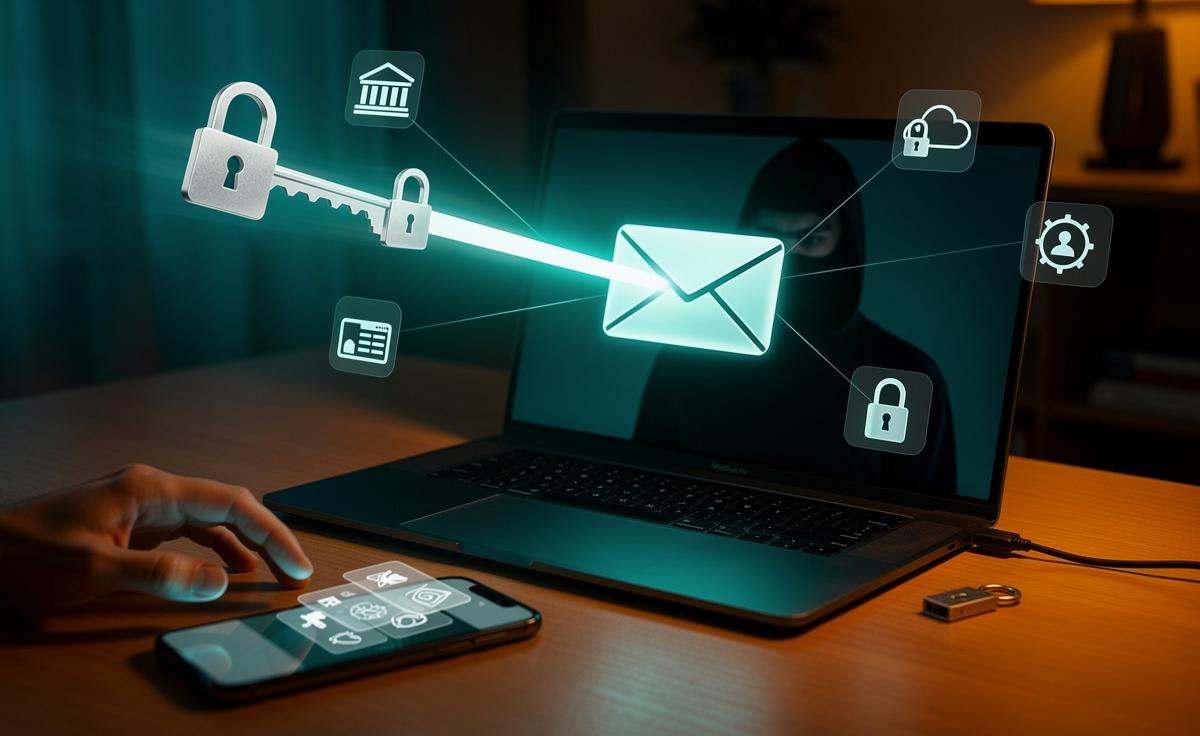
- 📨 Treat your inbox as the crown jewels: an email takeover acts as a master key to reset and hijack bank, cloud, and social accounts.
- 🔑 Break password reuse and beat MFA fatigue: use a password manager, prefer passkeys/hardware keys, and avoid relying on SMS codes.
- 🕵️ Watch for stealthy persistence: attackers abuse inbox rules, auto-forwarding, and OAuth tokens that survive password changes—regularly audit and revoke access.
- 🧰 Do-first actions: set a unique long passphrase, enable phishing-resistant MFA, move to an authenticator app, store recovery codes offline, turn on login alerts, and separate email for finances.
- 📊 Know the trade-offs: SMS is widely supported but weak, TOTP is better yet phishable, while passkeys are phishing-resistant though not everywhere supported.
Here’s a tech warning that stings precisely because it’s so ordinary: the biggest cybersecurity mistake you’re probably making is treating your email inbox like a filing cabinet instead of a vault. Your email is the reset switch for your bank, social media, shopping, cloud storage—even your smart home. Attackers know this, and they only need one weak link: password reuse, an old breach you never noticed, or a hasty tap on a dubious MFA prompt. The harsh truth is that a poorly protected inbox turns every other account into low-hanging fruit. The fix starts with seeing email as the crown jewels, and hardening it accordingly.
Email: The Skeleton Key Attackers Love
Most people obsess over protecting their banking app while neglecting the account that can unlock it in seconds: email. Password resets, invoices, legal docs, travel confirmations, workplace logins, cloud backups—everything funnels through your inbox. If someone controls your email, they can usually reset, impersonate, and take over almost every service you use. That’s why criminals target webmail first: it offers maximum return with minimal effort. A single compromise lets them pivot across your digital life, often invisibly, for weeks.
Once inside, attackers quietly create inbox rules to auto-forward or hide certain messages—particularly security alerts—so you don’t notice. Then they run password resets, add their own recovery options, and browse years of personal context to craft convincing phishing. The aim isn’t always immediate theft; it’s persistence. Silent access means they can return whenever they like, often after you think you’ve “fixed” the issue. This is why securing your email with phishing-resistant MFA and strong isolation practices sits above every other defence.
There’s a mindset shift here. Treat email as a high-risk asset: use a unique, long passphrase, keep it off shared devices, and never store backup codes or copies of ID in the inbox itself. Your inbox isn’t storage—it’s a blast radius.
Password Reuse and MFA Fatigue: A Perfect Storm
We like convenience, and attackers bank on it. If you reuse the same or similar password across services, a breach anywhere becomes a breach everywhere through credential stuffing. Even if you’ve turned on MFA, attackers exploit “push fatigue”: they bombard your phone with approval requests until you tap “Allow.” More prompts are not more security; better factors are. SMS codes can be intercepted via SIM swapping or malware, and email-based resets just loop back to the same weak point. The result is a brittle chain protected by the thinnest link.
Swap repetition for resilience. Use a trusted password manager to generate unique credentials, and prefer passkeys or hardware security keys when services support them. These are resistant to phishing because there’s no code to type and nothing useful to steal. At the very least, move from SMS to an offline authenticator app and lock down recovery paths. The goal is to make your login flows boring to exploit.
- Why more prompts aren’t better: Frequent MFA nudges condition quick approvals; fewer, stronger checks (e.g., passkeys) cut both fatigue and risk.
- Why long isn’t always strong: A long password reused elsewhere is still weak; uniqueness beats length when choosing.
- Why SMS isn’t enough: It’s better than nothing, but it’s not designed to withstand modern phishing or SIM swap attacks.
Set-and-Forget Inboxes: Rules, Forwards, and OAuth Traps
Modern email is a platform with moving parts you rarely see. Attackers abuse that invisibility. They add silent forwarding rules to siphon password resets, create filters to hide security warnings, or connect third-party apps via OAuth tokens (the “Sign in with…” pop-ups). These tokens can persist even after you change your password, giving background access to email, calendars, or files. It’s the perfect backdoor because it looks like normal software behaviour.
Consider a case reported by a UK freelancer who lost two days’ work and a client: a phish captured their webmail login; the attacker set a rule to auto-forward invoices and client replies to a throwaway address and added a “productivity” app via OAuth. For 72 hours, the criminal impersonated them, changed payout details on a job, and deleted the evidence. Only a deep audit of mailbox rules and connected apps surfaced the trick. Changing the password alone didn’t revoke the app’s access.
| Authentication Method | Pros | Risks / Why It Isn’t Always Better |
|---|---|---|
| SMS Codes | Easy to use; widely supported | Vulnerable to phishing, SIM swaps, and delivery issues |
| Authenticator App (TOTP) | Offline, reliable, better than SMS | Still phishable; codes can be proxied by fake sites |
| Passkeys / Hardware Keys | Phishing-resistant; no codes to type | Requires setup; not yet supported everywhere |
A Practical, UK-Friendly Fix You Can Do Today
Start with the account that resets all others: your email. Set a unique, long passphrase, then enable phishing-resistant MFA—prefer passkeys or hardware keys if supported. Next, audit your mailbox: delete unknown rules, disable auto-forwarding you don’t need, and review every connected app or OAuth grant. Remove anything you don’t recognise. Move SMS-based MFA to an authenticator app, and store recovery codes offline, not in your inbox. For every other important service—banking, HMRC, cloud storage—repeat the MFA upgrade and recovery review. Resilience is a habit, not a one-off task.
Round it out with hygiene that compounds. Use a reputable password manager and make every password unique. Segment identities: keep a separate email for financial accounts. Turn on login alerts and location-based warnings. Periodically check for past breaches using a trusted service and rotate credentials where needed. If you run a business, mandate passkeys for admins and monitor for suspicious inbox rules across the tenant. Finally, rehearse recovery: verify your backup email and phone, and keep a printed kit of emergency codes in a safe place. Prepared users recover faster—and deter opportunistic attacks.
- Prioritise email security before everything else.
- Upgrade MFA: SMS → authenticator → passkeys.
- Audit and revoke old app access and forwarding rules.
- Use unique passwords everywhere via a manager.
Cybersecurity rarely fails with a Hollywood hack; it fails with familiar habits. The biggest mistake isn’t ignorance—it’s underestimating how central your inbox is to your entire digital identity. Harden that single point, and your risk profile drops dramatically. From passkeys to mailbox rule audits, the fixes are simple, sequential, and achievable in an afternoon. The cost of doing nothing is almost always higher than the inconvenience of doing something small today. What’s the first change you’ll make to ensure your email stops being a master key to your life—and becomes a lock only you can open?
Did you like it?4.3/5 (28)